如果沒出現更新視窗,檢查網路狀態或稍後再試。
[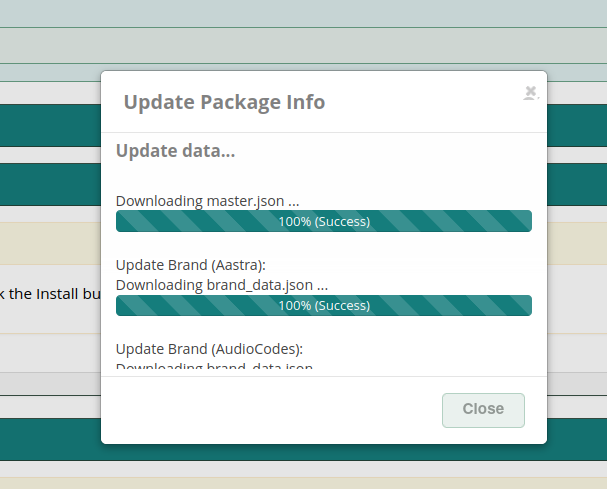](https://osslab.tw/uploads/images/gallery/2023-04/ossepm-update-package.png) ##### Additional brands (Grandstream & Yeallink V80) - Download: [SourceForge](https://sourceforge.net/projects/pbxinaflash/files/OSS%20End%20Point%20Manager%20for%20FreePBX%2016%20and%20Incredible%20PBX%202027/) FreePBX GUI > Settings > OSS Endpoint Manager > Settings > Package Import/Export - Brand Package: `grandstream.tgz` `yealinkv80.tgz` [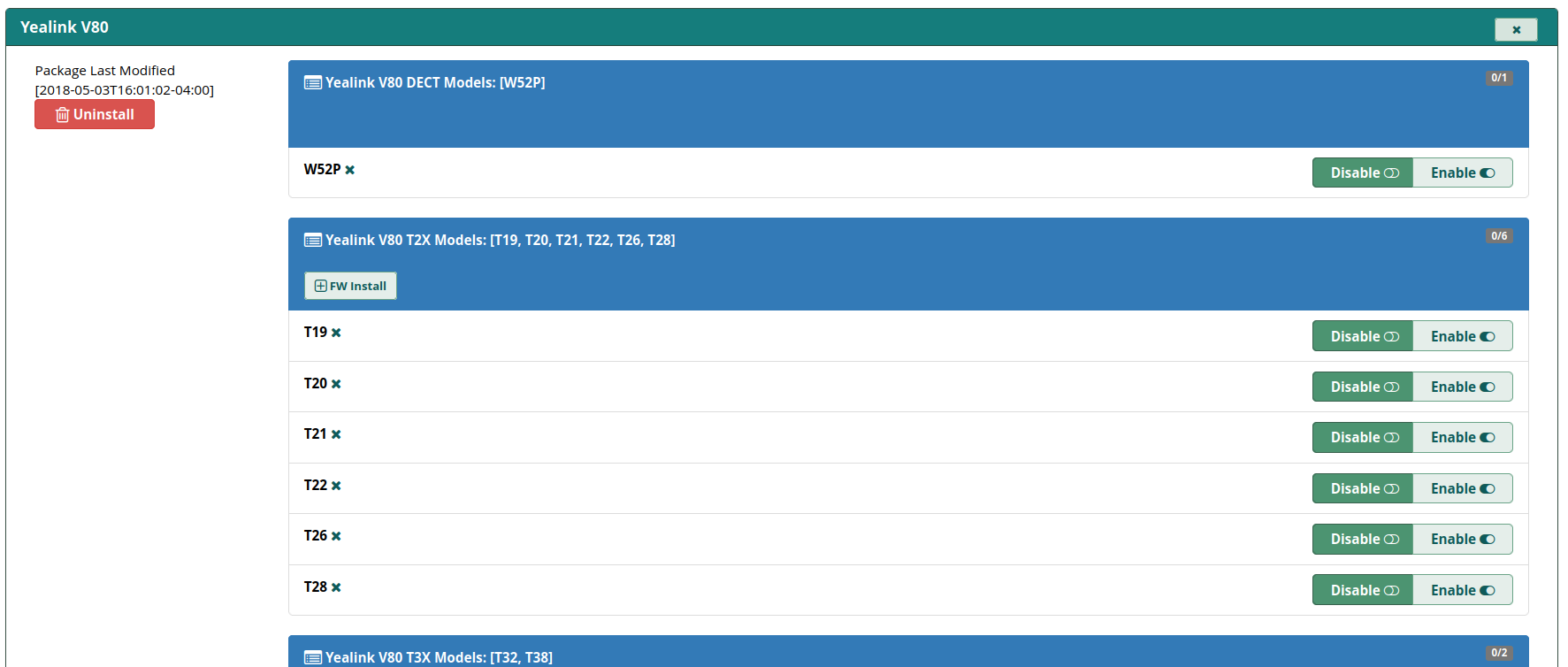](https://osslab.tw/uploads/images/gallery/2023-04/ossepm-yealinkv80.png) ##### IP & NTP & Type FreePBX GUI > Settings > OSS Endpoint Manager > Settings - IP address of phone server: <server-ip-addr> - Internal IP address of phone server: <server-ip-addr> - Configuration Type: Web (HTTP) - Time Zone: Asia/Taipei - Time Server: `tw.pool.ntp.org`如果以後有修改 Settings 的內容,或者 Template Editor,完成變更後,還要到 Extension Mapping,選擇 Selected Phone Options 或者 Global Phone Options,按下 Rebuild,這樣才會套用更新到所有裝置的佈署檔。
#### Extension Provisioning ##### Add Device: Linksys PAP2T FreePBX GUI > Settings > OSS Endpoint Manager > Package Manager - Cisco/Linksys - PAP2T : Enable ##### Create Template: my-pap2t注意:預設的部署檔會將 PAP2T 的管理網頁界面關閉,新增一個部署設定檔 my-pap2t。
技巧:如果 template 內容如果有修改過,必須到 Extension Mapping 選擇分機後,重新執行一次 Save,這樣新的設定才會被套用。
FreePBX GUI > Settings > OSS Endpoint Manager > Template Manager - Template Name: my-pap2t - Product Select: Linksys/Cisco - Clone Template From: PAP2T Edit the template: my-pap2t - Profile Resync: 3600 (對應設備參數 `Resync_Periodic`,秒數不要調太低,避免設備太忙碌更新) - Enable Webserver: Yes - Enable Webserver Admin: Yes - Administrator Password: <set-your-password> - User Password: <set-your-password>注意:編輯 template 時,不要使用 Edit Global Setting Overrides,這個可能會弄壞 template。如果不小心 弄壞 template,只要將 template 移除後重建即可。
技巧:template 或者原始設定檔 (`spa$mac.xml`) 有修改過參數,要如何在設備部署前做驗證?以 HTTP 為例,瀏覽這段網址 `http://freepbx-ip-addr/provisioning/p.php/spaxxxxxxx.xml`,xxxxxxx 是設備的 MAC address (必須是小寫),可以下載部署設定檔。
##### Extension Mapping FreePBX GUI > Settings > OSS Endpoint Manager > Extension Mapping - MAC Address: <pap2t-mac-addr> - IPEI: <blank> - Brand: Cisco/Linksys - Model: PAP2T - Line: 1 - Extension Number: <select-your-extension> - Template: my-pap2t ##### PAP2T 設置 登入 PAP2T 管理界面 (advanced view) > Provisioning - Provision Enable: yes - Profile Rule: `http://